
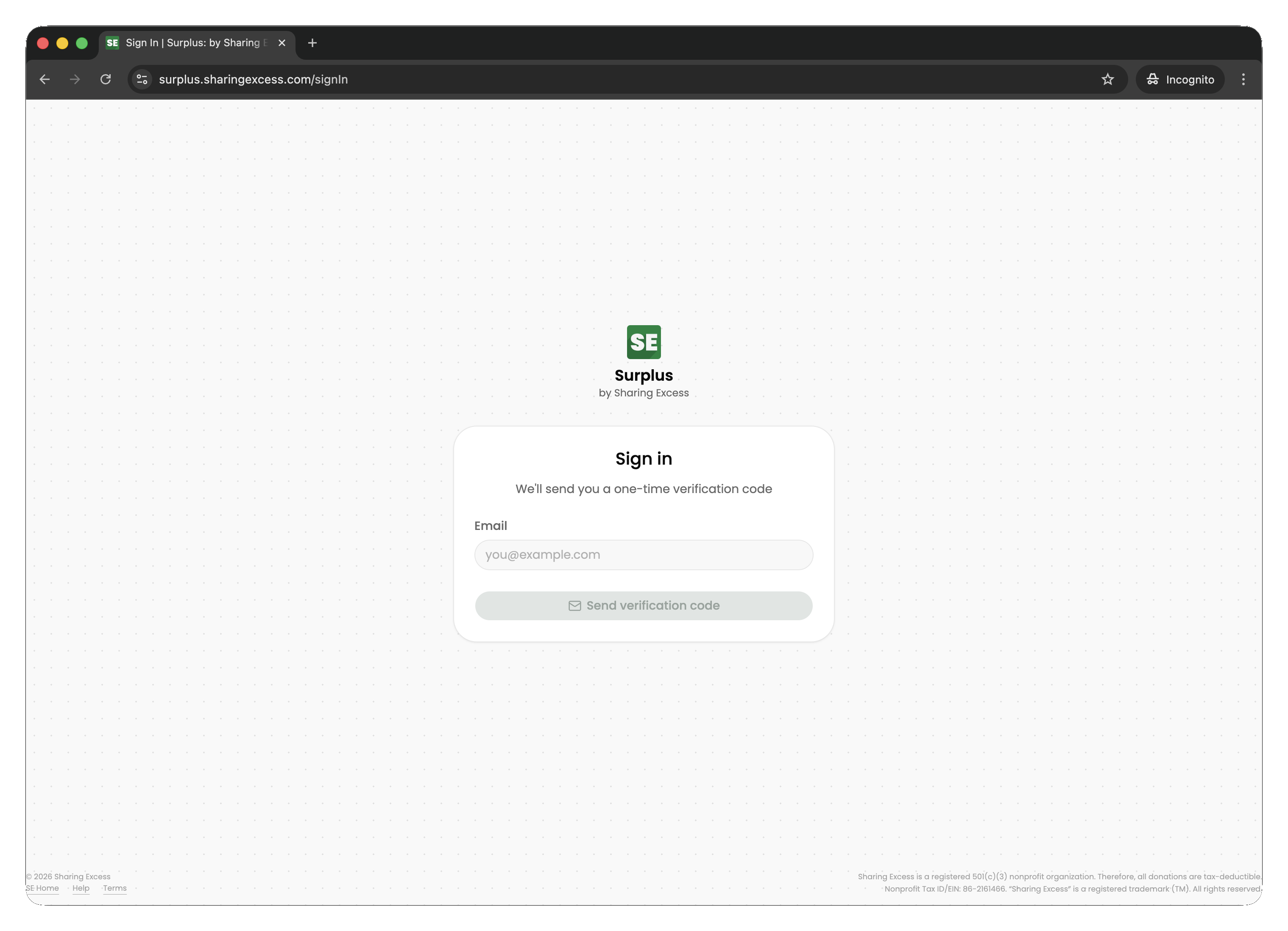
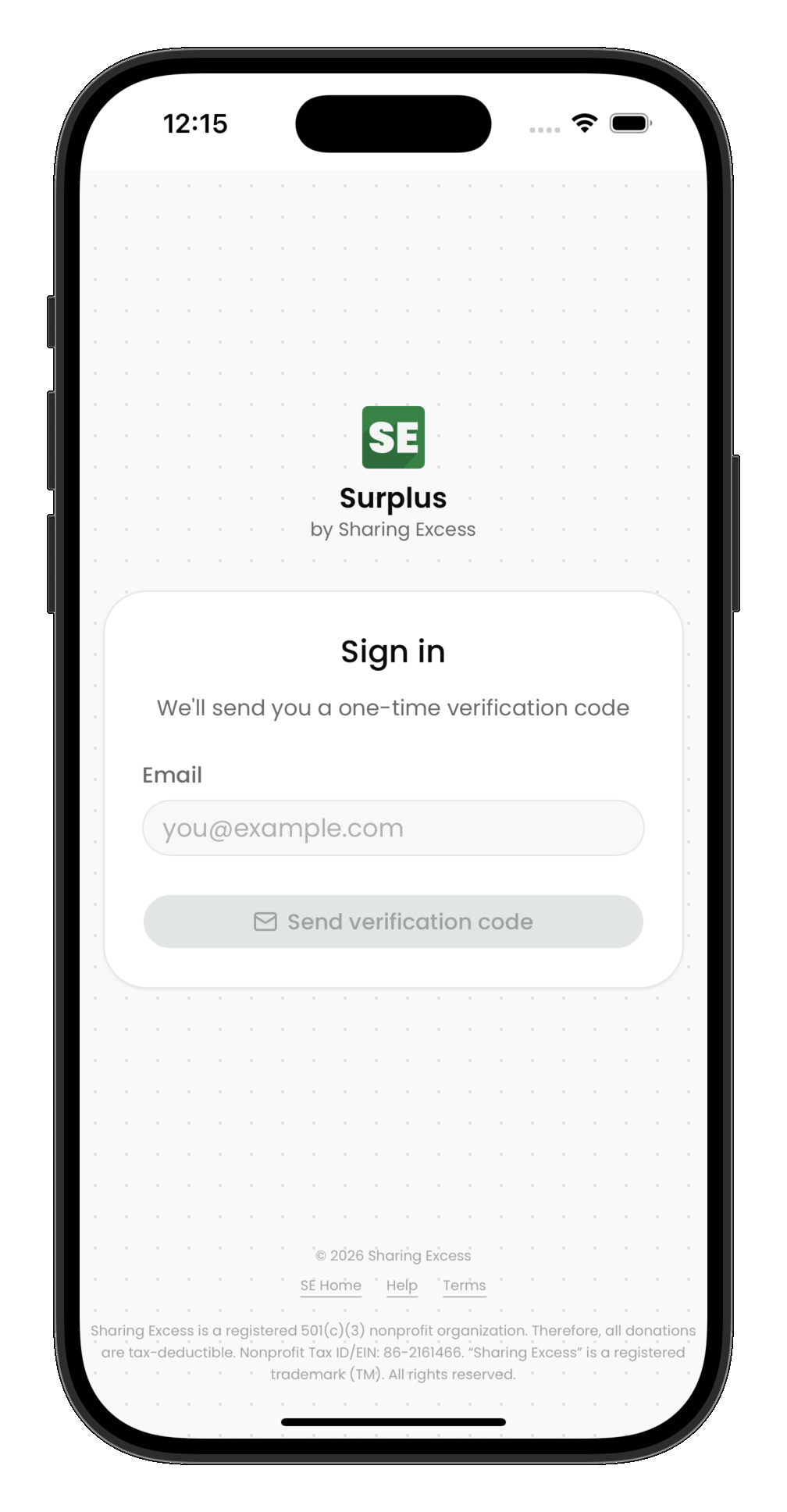
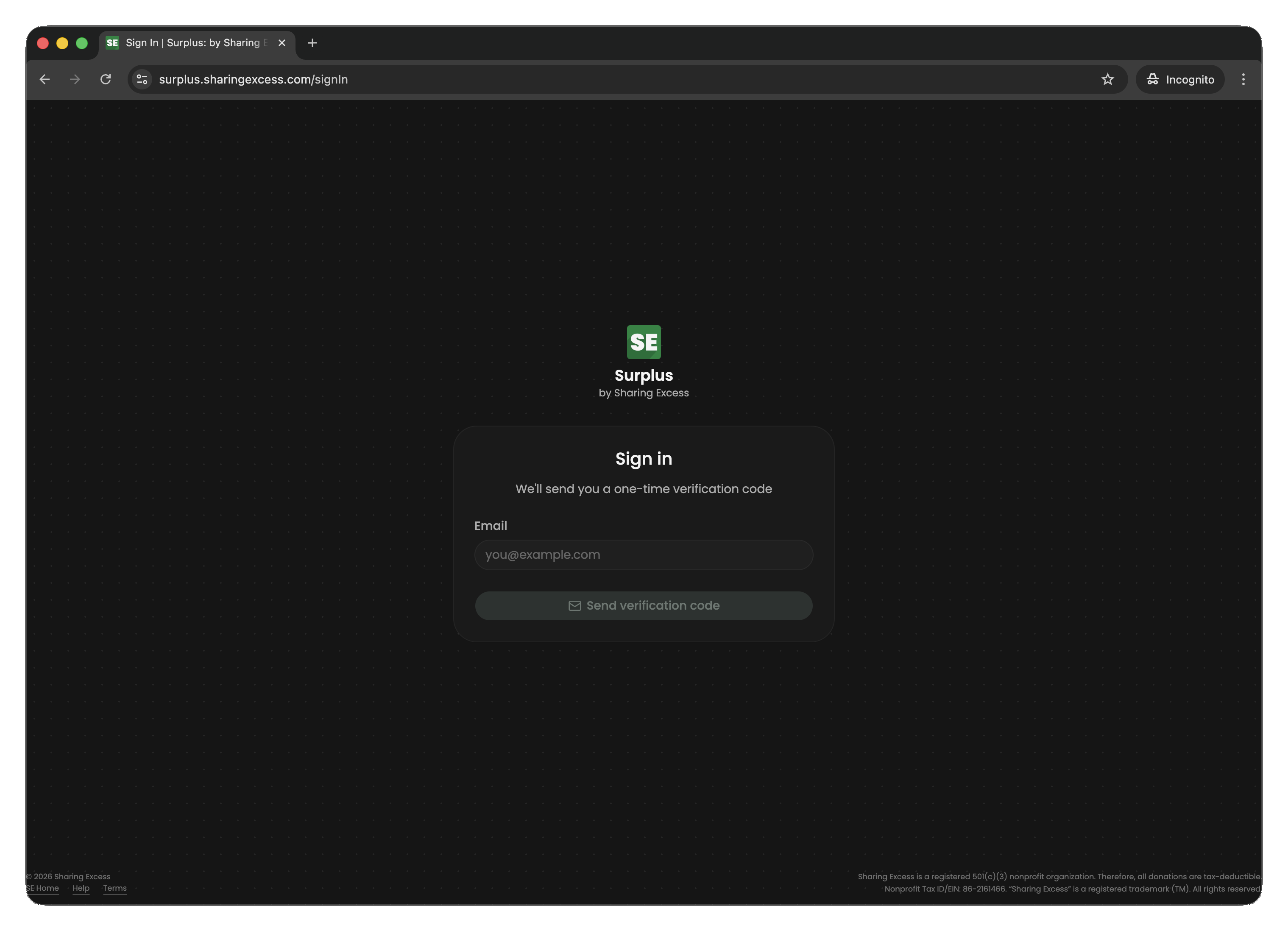
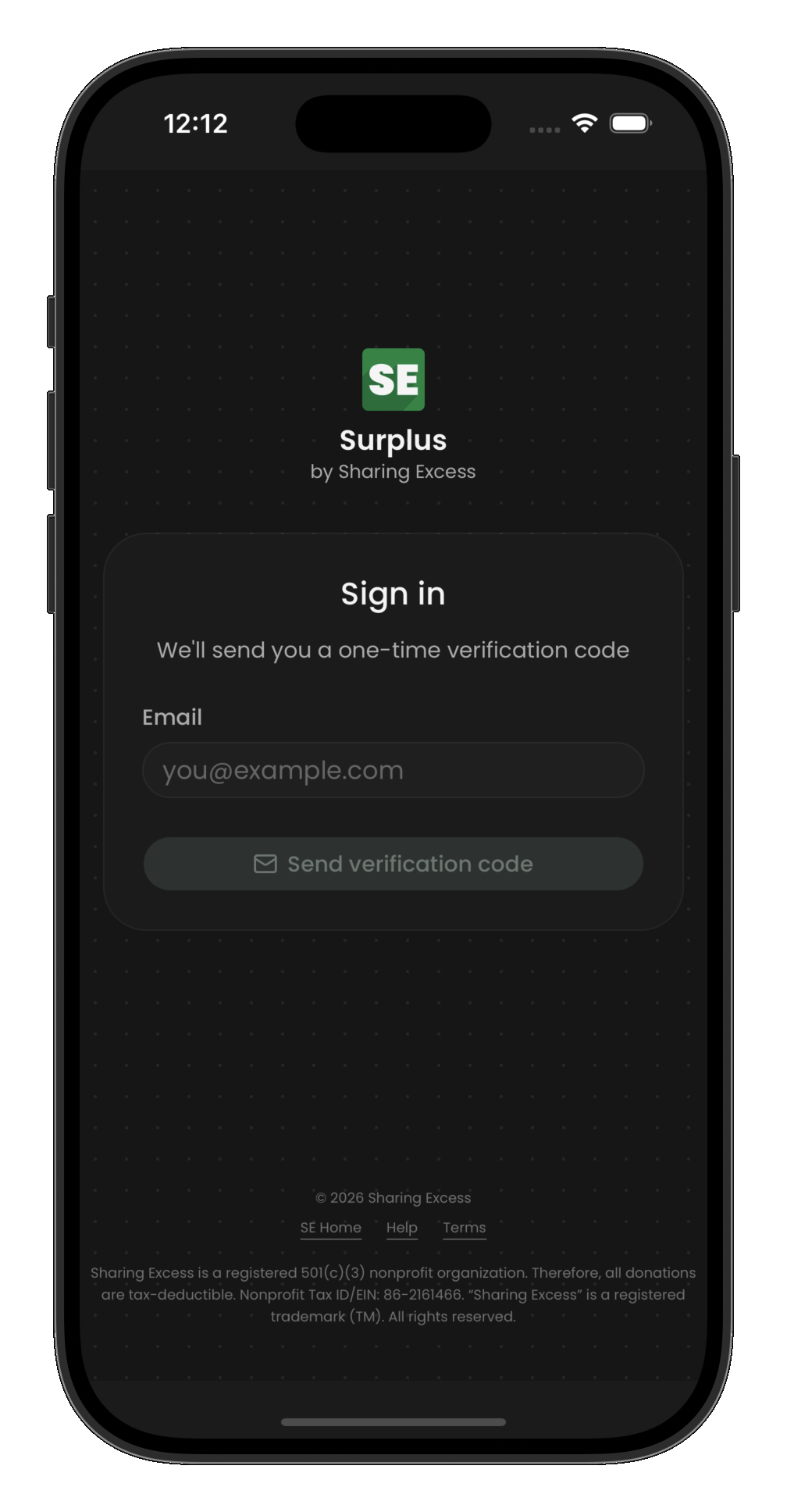
Sign in
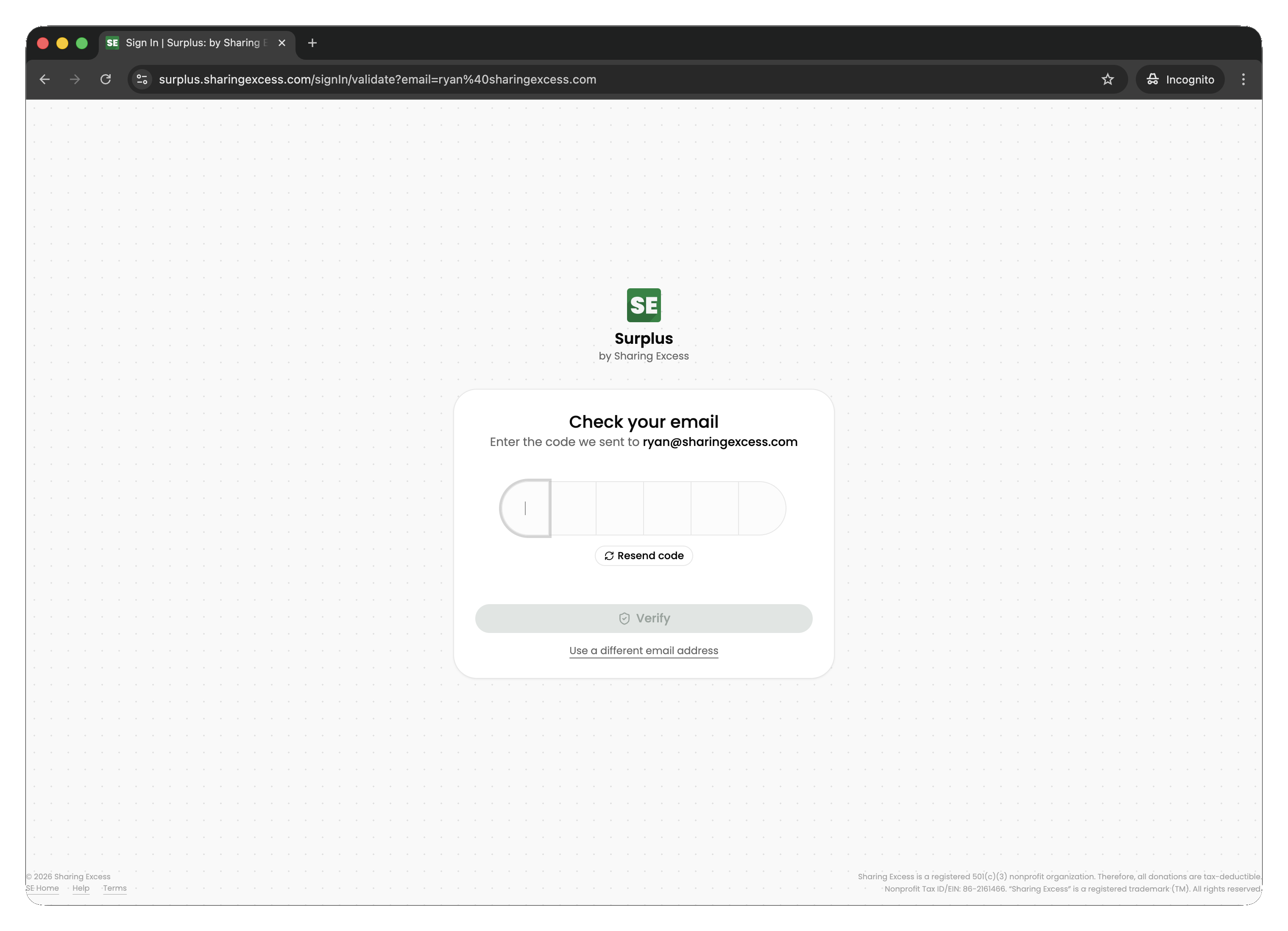
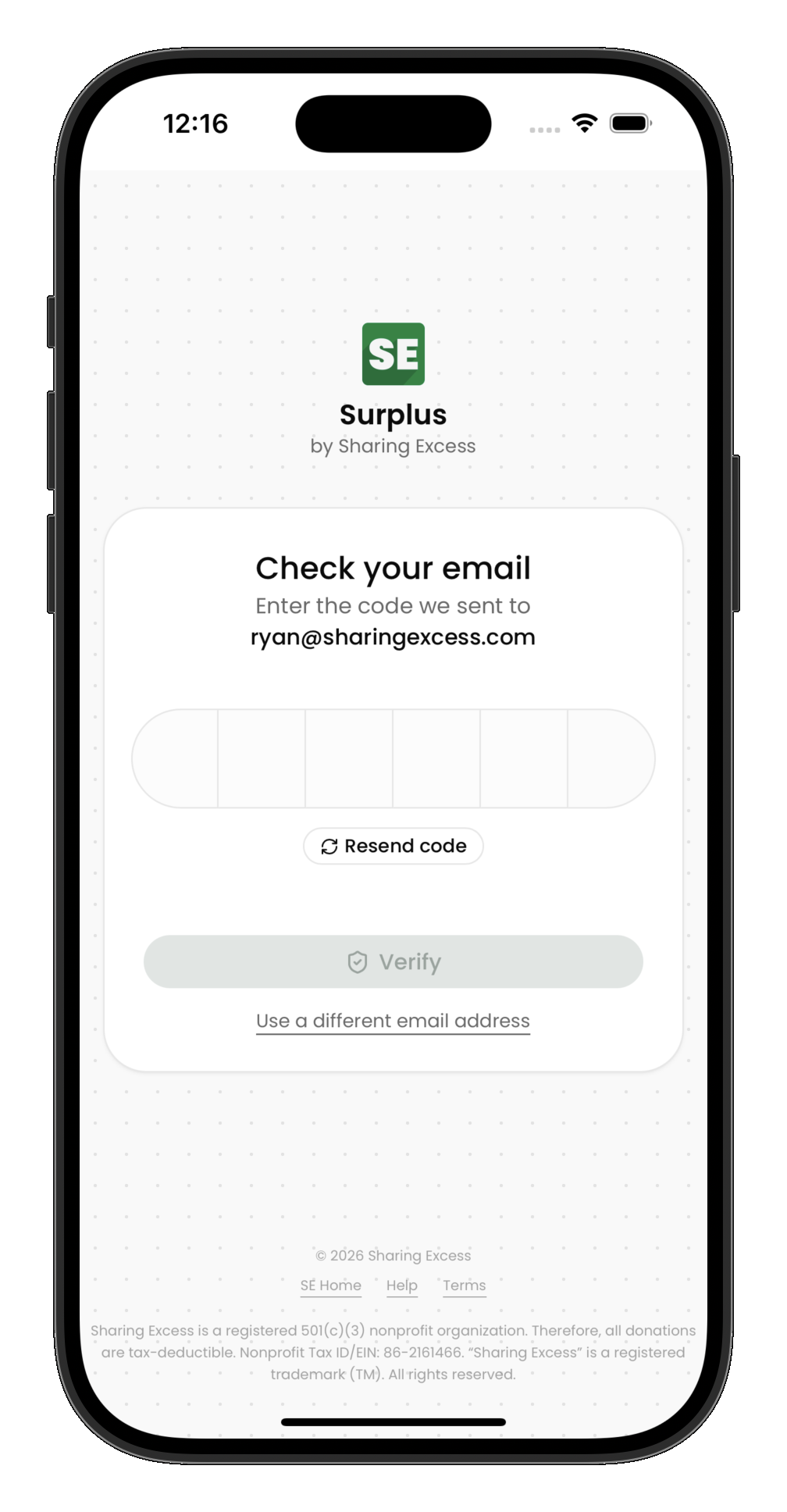
Surplus uses passwordless authentication. You sign in with your email address and a one-time code — no password to remember or reset.
- Open Surplus and enter your email address
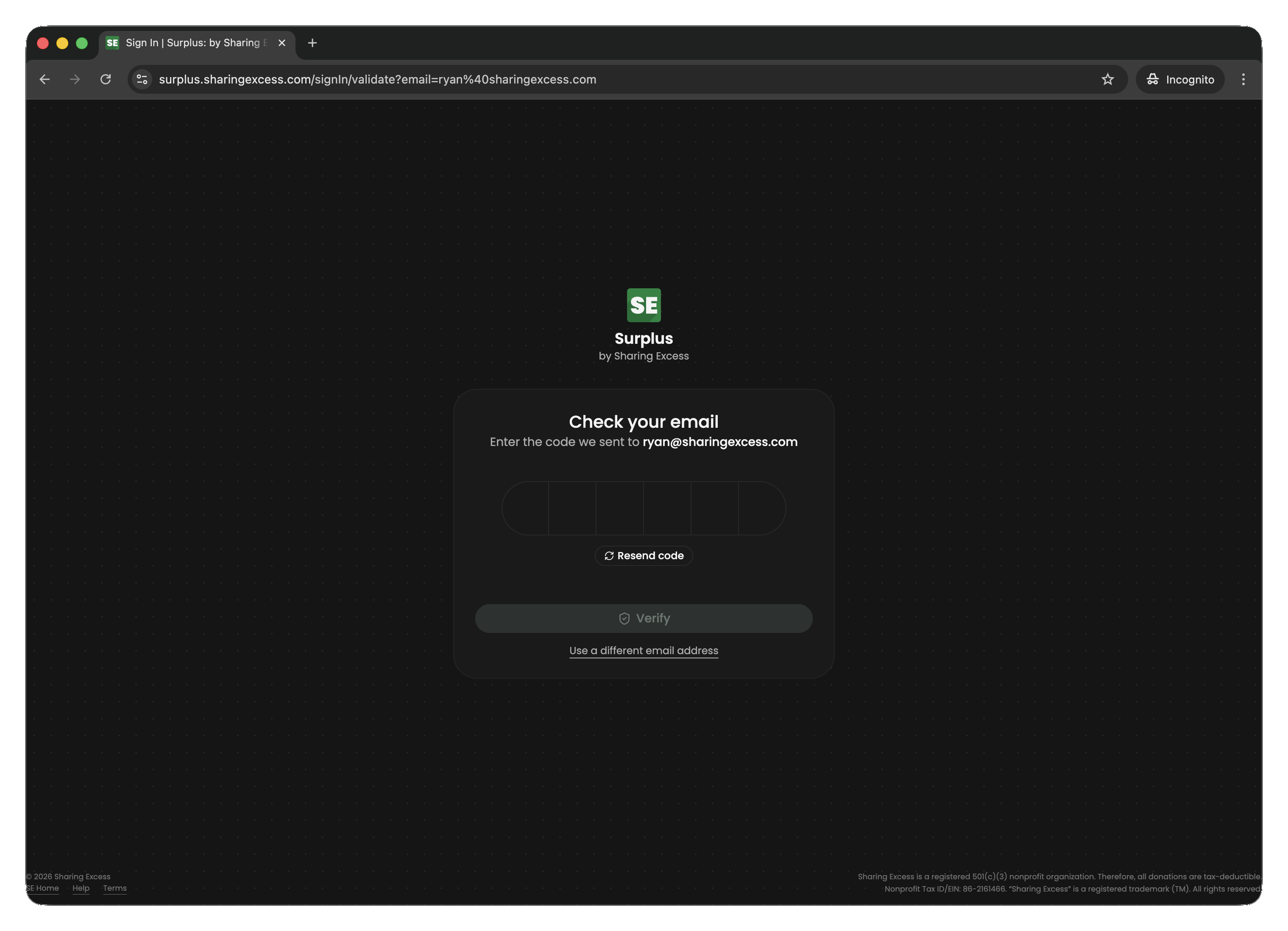
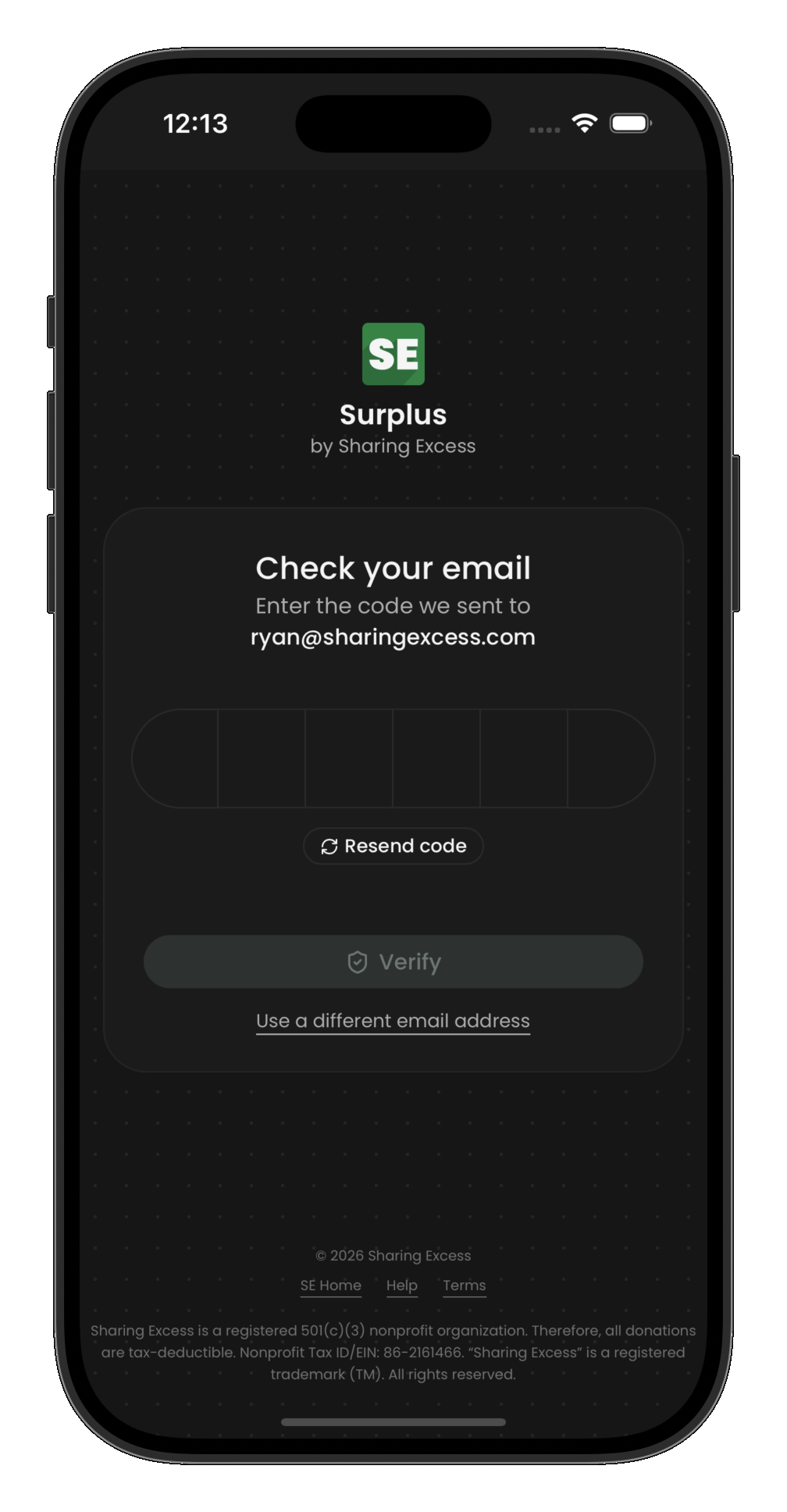
- Check your inbox for a verification code
- Enter the code to complete sign-in
After sign-in
What you see depends on your permission — admins see operational dashboards, drivers see assigned routes, and partners see organization-scoped history. See Navigate the app for layout and accessibility options.
Next steps
- Install on mobile — add Surplus to your Home Screen
- Platform overview — pick your role guide